Questions
The ones that get asked before anyone installs it.
Is there a Voicemod for Linux?
Voicemod ships builds for Windows and macOS only, and running it under Wine does not give you a microphone the rest of the system can record from. TuxVoice is written for Linux instead: it is a native voice changer and soundboard that registers a real input device in the PipeWire graph, so it covers the same ground without an emulation layer.
Does the voice changer work with Discord?
Yes. Discord, Zoom, OBS, Telegram, TeamSpeak, Mumble, a browser tab, a game — anything that records from a microphone. Select TuxVoice Virtual Mic as the input once and every effect and clip after that is decided inside TuxVoice.
For games with no microphone picker of their own, such as CS2, TuxVoice can make itself the system default input, which is what makes those games hear the board.
Which Linux distributions does it run on?
Any distribution running PipeWire and WirePlumber — Ubuntu, Fedora, Debian, Arch, Linux Mint, Pop!_OS, openSUSE, EndeavourOS and the rest. The Flatpak is one command and carries GTK4, libadwaita and ffmpeg with it, so there is nothing else to install. Arch users can build the PKGBUILD in the repository.
Is it free?
Yes, and it stays free. TuxVoice is released under the GPL-3.0-or-later: no account, no subscription, no paid tier holding voices back, and the whole source is on GitHub.
Does it need PipeWire, or will PulseAudio do?
PipeWire with WirePlumber is required — the virtual microphone and the routing are built on it. That is the default on Fedora since 34, Ubuntu since 22.10, and on current Arch, Debian and Mint, so on a recent system you almost certainly already have it. pactl info will say PulseAudio (on PipeWire) if you do.
How is it different from the older Linux voice changers?
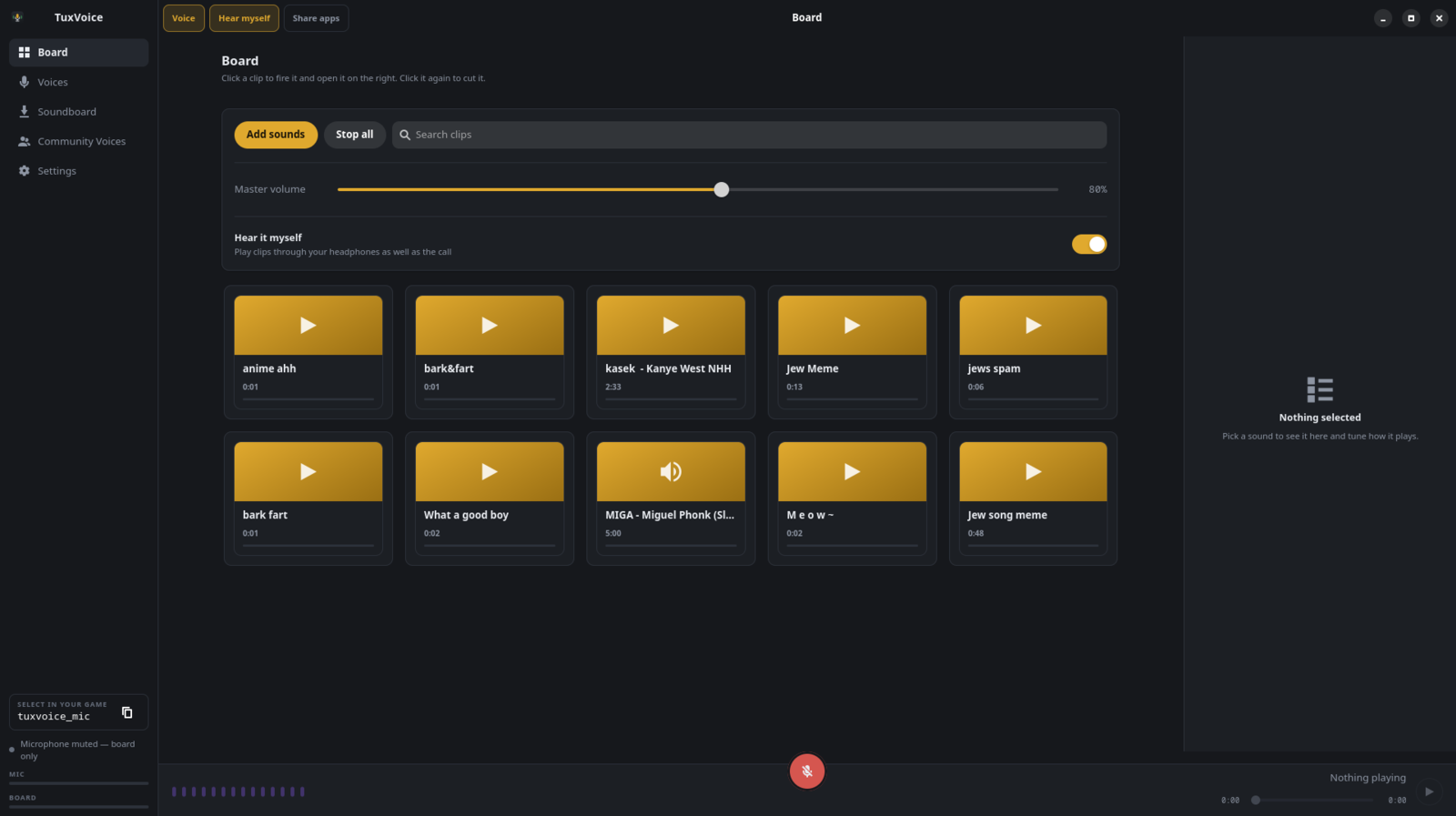
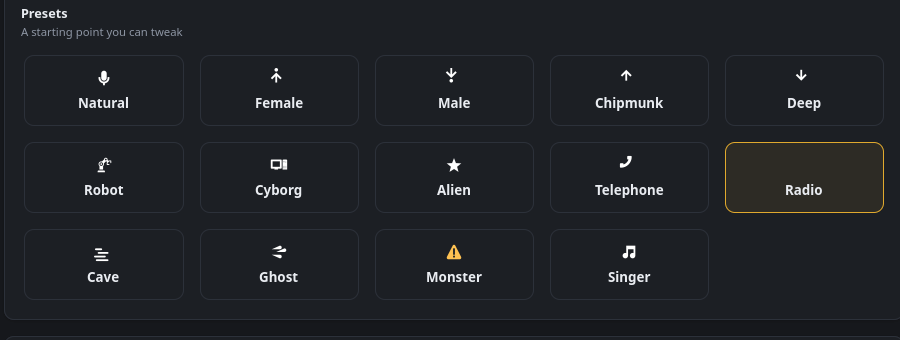
Clownfish, and the usual pile of hand-written pactl scripts, leave you assembling modules and null sinks yourself and start over when a device is unplugged. TuxVoice builds the graph for you, re-checks and repairs it every two seconds, and gives you twenty effects you can stack in any order with a soundboard in the same window.
Can I use my own sounds on the soundboard?
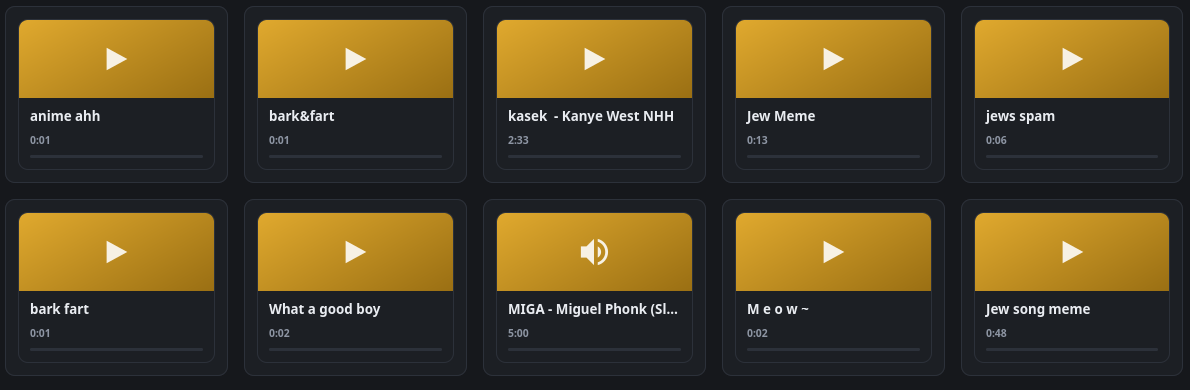
Add any audio file from disk, or search the built-in catalogue and pull clips in without leaving the application. Bind one to a key and it fires while a game has focus.